> ## Documentation Index
> Fetch the complete documentation index at: https://docs.ogify.dev/llms.txt
> Use this file to discover all available pages before exploring further.
# Introduction
> OGify - Generate beautiful Open Graph images in minutes
[](https://badge.fury.io/js/%40ogify%2Fcore)
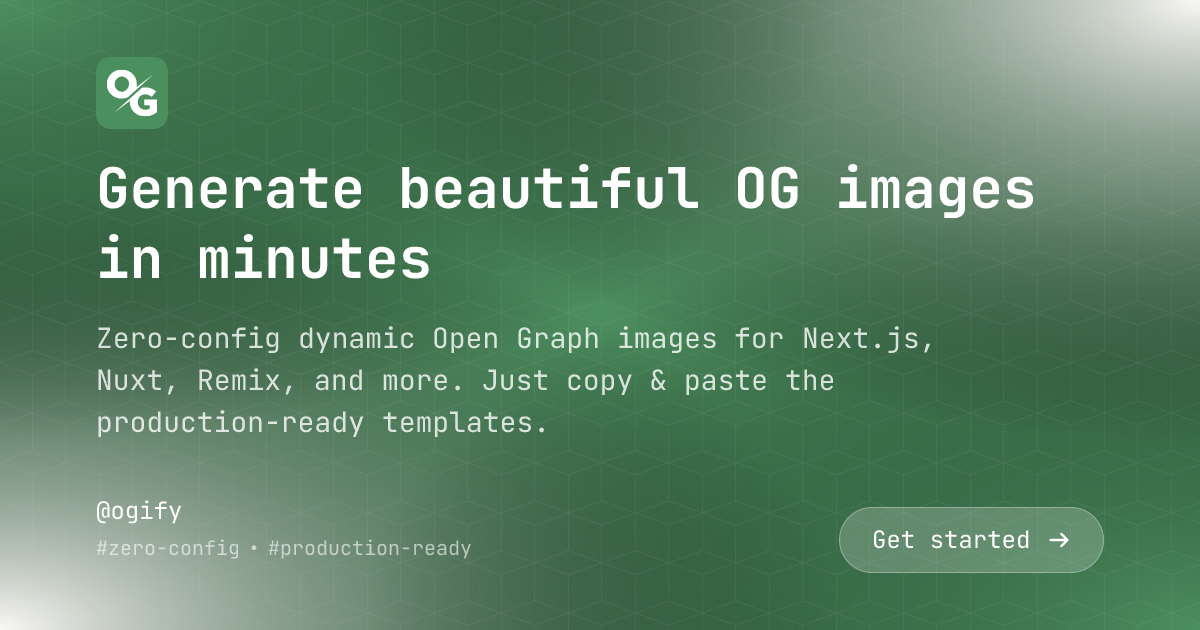
Zero-config dynamic Open Graph images for Next.js, Nuxt, Remix, and more. Just copy & paste the production-ready templates.
 ## Why OGify?
Works out of the box with Next.js, Remix, Nuxt, and more.
Just specify a Google Font name, Emoji provider - no downloads, no font files, no hassle.
Intuitive API & Tailwind-like syntax helps building eye-catching templates faster.
OGify provides a set of production-ready templates with zero configuration.
Automatically caches fonts, emojis, and generated images - no configuration required.
Built-in support for Right-to-Left languages like Arabic, Hebrew, and Persian.
## Setting up
Get your documentation site up and running in minutes.
Follow our three step quickstart guide.
## Features
A smart caching layer to improve performance
Using Google Fonts or custom fonts
Rendering emojis in your templates
Right-to-left language support
Supported CSS properties
## API reference
Detailed documentation for Core API & Template API.
Documentation for the main functionality.
Documentation for the built-in templates.
## Why OGify?
Works out of the box with Next.js, Remix, Nuxt, and more.
Just specify a Google Font name, Emoji provider - no downloads, no font files, no hassle.
Intuitive API & Tailwind-like syntax helps building eye-catching templates faster.
OGify provides a set of production-ready templates with zero configuration.
Automatically caches fonts, emojis, and generated images - no configuration required.
Built-in support for Right-to-Left languages like Arabic, Hebrew, and Persian.
## Setting up
Get your documentation site up and running in minutes.
Follow our three step quickstart guide.
## Features
A smart caching layer to improve performance
Using Google Fonts or custom fonts
Rendering emojis in your templates
Right-to-left language support
Supported CSS properties
## API reference
Detailed documentation for Core API & Template API.
Documentation for the main functionality.
Documentation for the built-in templates.