
Installation
Choose your package manager and run the following command:Quick Start
This guide will walk you through generating your first Open Graph image using OGify.1
Import a Template
OGify comes with a set of ready-to-use templates. For this guide, we’ll use the
basic template. Browse all available templates at the Template Gallery.2
Create a Renderer
The renderer is responsible for orchestrating the generation process. Create it by passing your templates to
createRenderer.3
Generate an Image
Now you can generate an image by calling 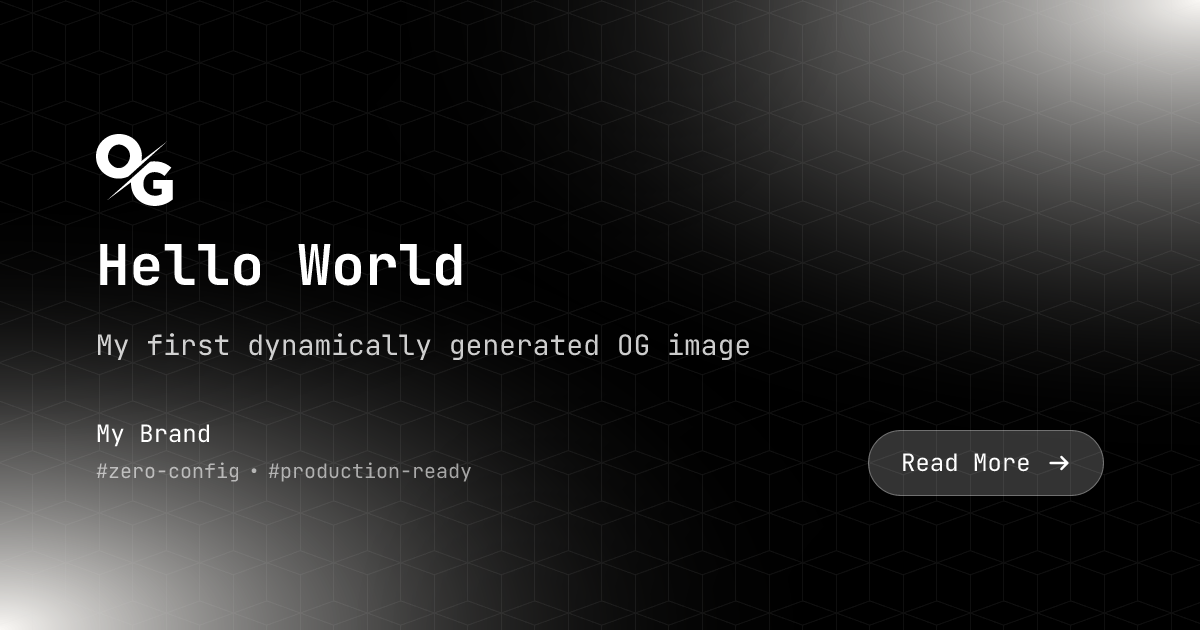
renderToImage. This returns a PNG buffer that you can serve in your response or save to disk.4
Saving or Returning the Image
You can save the image to a file or return it as a response.
Saving to a File
Saving to a File
Returning as a Response
Returning as a Response